Edge Refinement - Perfect Hair & Fur Details
Professional edge refinement for portraits, pets, and complex subjects. Remove color fringing, preserve fine hair strands, and create pixel-perfect cutouts.
- Hair detail preservation
- Color defringing
- Studio quality
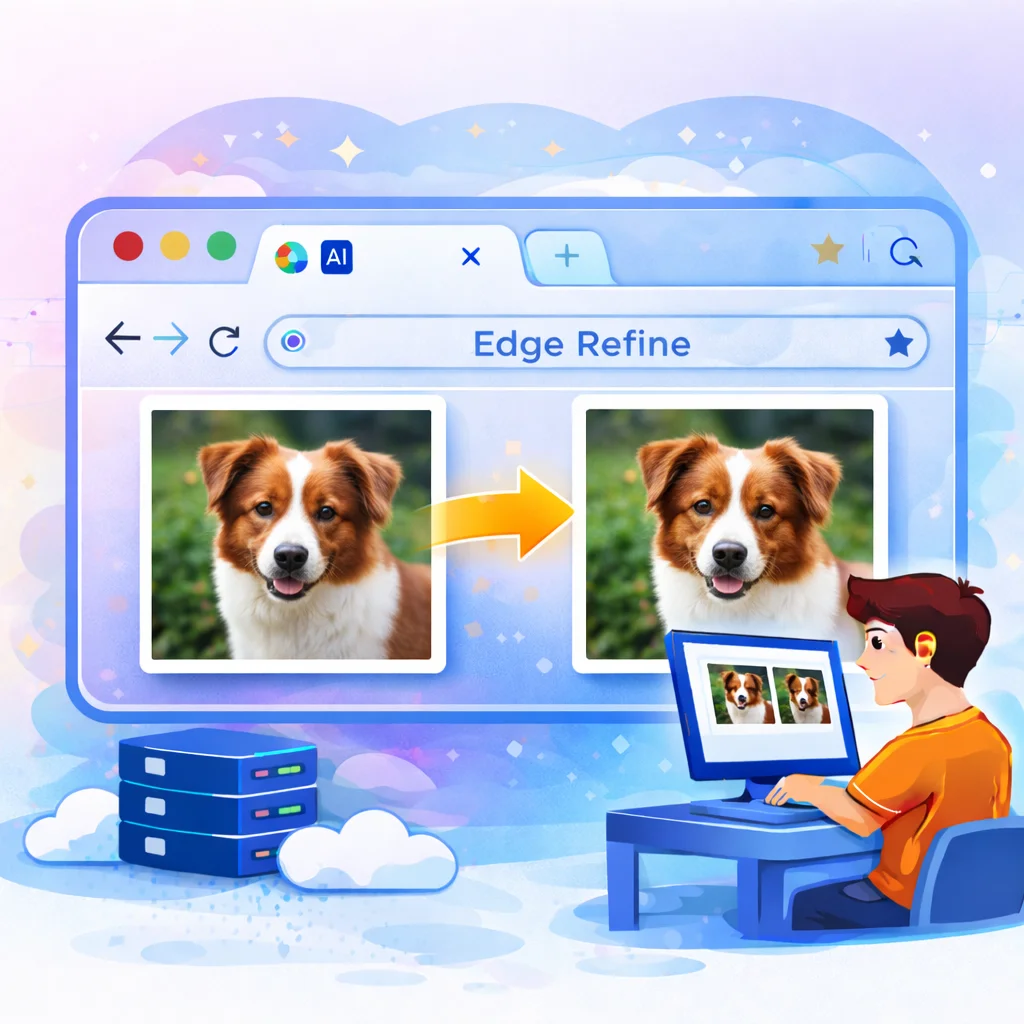
Preview
When to Use Edge Refinement
- Portrait Photography: Perfect for capturing fine hair strands and maintaining natural hair texture
- Pet & Animal Photos: Preserve intricate fur details and whiskers
- Product Photography: Clean edges on textured items like fabric or grass
- Color Fringing: Remove unwanted color halos from previous editing
Upload Image
- Upload: Choose portrait or pet photo
- Select Level: Quick, Balanced, or Pro refinement
- Process: AI preserves hair/fur details
- Download: Get PNG with perfect edges
Professional Edge Refinement for Perfect Cutouts
Standard background removal tools often struggle with complex subjects like hair, fur, and fine textures. Our advanced edge refinement tool uses specialized AI algorithms to preserve these intricate details while removing unwanted color fringing and background artifacts.
Refinement Level Guide
Light
Quick refinement for simple subjects with clean edges
Medium Recommended
Balanced quality for most portraits and photos
Strong
Maximum detail for hair, fur, and complex textures
What is Color Defringing?
Color fringing (also called color halos) occurs when remnants of the original background color appear as a thin outline around your subject. This is especially common with:
- Hair against colored backgrounds
- Translucent edges like glass or fabric
- Low-contrast boundaries between subject and background
Our defringe algorithm detects and removes these color artifacts while preserving the natural color of your subject's edges.
Pro Tips
- Start with Remove BG: Use our standard background remover first, then refine edges
- High resolution: Higher resolution images yield better edge refinement results
- Good lighting: Well-lit photos with clear subject separation work best
- Combine tools: After refining, add shadow or gradient for final polish
- Check zoom: Zoom in to verify edge quality before downloading